Table of Contents
- What Credit Card Processing for Auto Repair Shops Really Costs in 2026
- Auto Repair Credit Card Processing Fees: The Line Items That Drain Your Margin
- Payment Terminals for Auto Repair Shops: Countertop, Mobile, and Terminal Plus Software
- Auto Shop Management Software Payment Integration: What to Check Before You Buy
- How to Reduce Payment Processing Fees Without Switching Processors Every Year
- Choosing a Credit Card Processing Partner: Questions to Ask Before You Sign
- Conclusion: Getting Credit Card Processing Right for Your Auto Repair Shop
- Frequently Asked Questions
Last Updated: October 12, 2026
What Credit Card Processing for Auto Repair Shops Really Costs in 2026
Credit card processing for auto repair shops is the system that lets you accept card payments for parts, labor, and diagnostics, and it typically costs more than owners expect once every line item is counted. This guide from Local Credit Card Processing breaks down what actually drives those costs, how terminals and software fit together, and how to negotiate terms you won’t regret in two years.
Most shops we talk to assume the advertised rate is the whole story. It never is. A repair order that mixes a $180 part with two hours of labor at $140 per hour gets processed as one transaction, and every fee attached to that transaction comes out of a margin you already fought to protect.
Here’s the part most guides skip: your effective rate, not your quoted rate, is the number that matters.
Effective rate is the total processing cost divided by total card volume over a given period, expressed as a percentage. A shop processing $40,000 a month in cards and paying $1,200 in total fees runs a 3% effective rate, regardless of what the contract’s headline number says.
That gap between quoted and effective rate is where money quietly disappears. Below, we’ll walk through the fee line items, the terminal options, the software integration questions, and the negotiation points that separate a good processing deal from an expensive one.
Auto Repair Credit Card Processing Fees: The Line Items That Drain Your Margin
Interchange is the largest single cost in any processing bill, and it is set by the card networks, not by your processor. A rewards card used on a $600 repair order costs your shop meaningfully more to accept than a basic debit card on the same ticket.
The fees that follow interchange are where processors compete, and where you have use:
- Wholesale or cost-plus markup: the processor’s actual charge on top of interchange, usually a small percentage plus a per-transaction amount
- Per-transaction fees: a flat charge on every swipe, dip, or keyed entry, which adds up fast in a shop running dozens of tickets a day
- Monthly statement and gateway fees: recurring charges that appear whether or not you process much that month
- PCI compliance fees: assessed for meeting card data security standards, sometimes bundled, sometimes billed separately
- Batch settlement fees: charged for closing out the day’s transactions
- Chargeback fees: assessed when a customer disputes a charge, common in auto repair when a repair doesn’t match expectations
Keyed-in transactions cost more than card-present ones, which matters for shops that take card numbers over the phone for parts deposits. If your front desk keys in a meaningful share of payments, ask your processor how that rate compares to a dip or tap.
Watch for tiered pricing that lumps transactions into “qualified,” “mid-qualified,” and “non-qualified” buckets. A rewards card or a keyed transaction can silently land in a higher tier, and your effective rate climbs without the quoted rate changing at all.
Payment Terminals for Auto Repair Shops: Countertop, Mobile, and Terminal Plus Software
Countertop terminals handle most front-desk payments, mobile readers cover lot and roadside situations, and terminal-plus-software setups connect payment capture directly to your repair order. The right mix depends on where your customers actually pay.
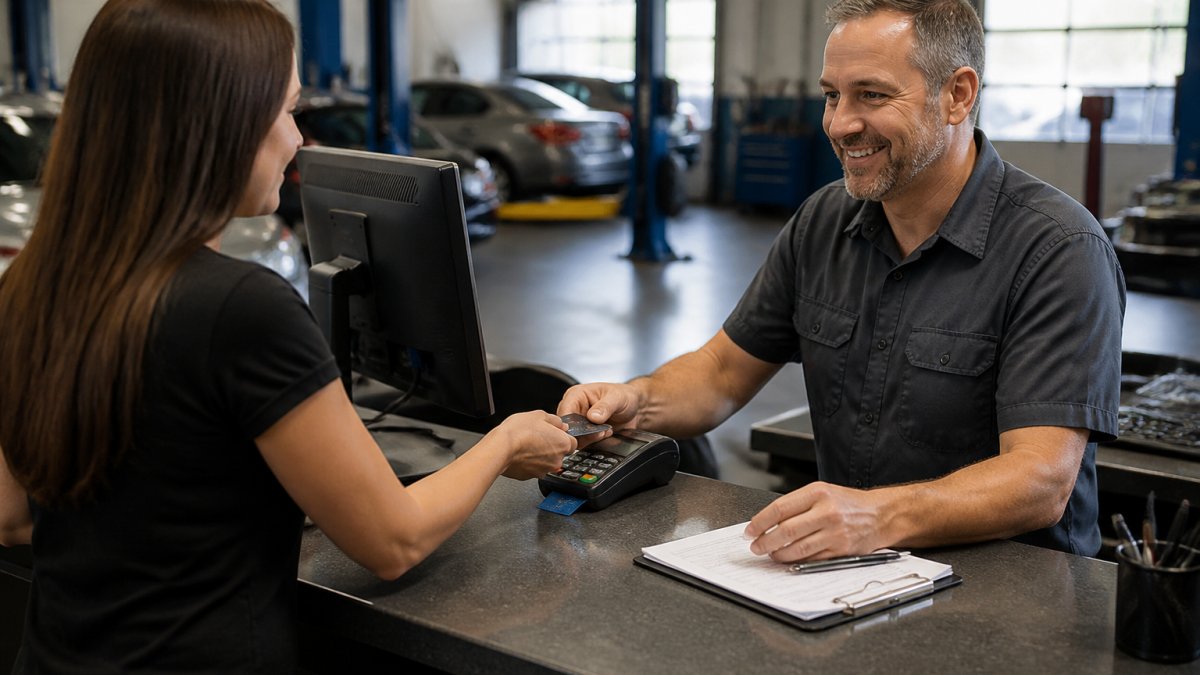
A three-bay shop rarely needs the same hardware as a dealership service department. Here’s how the main options compare:
| Terminal Type | Best For | Typical Setup | Watch Out For |
|---|---|---|---|
| Countertop terminal | Front-desk payments | Standalone, phone-line or IP | Manual entry into your shop software |
| Mobile reader | Lot, roadside, test drives | Pairs with phone or tablet | Higher per-transaction cost |
| Terminal + software integration | Multi-bay shops | Connects to repair order system | Integration compatibility limits |
| Virtual terminal | Phone and parts deposits | Browser-based | Keyed-in rates are the highest |
The practical difference comes down to double entry. A standalone terminal means your advisor types the amount into the terminal and then types it again into the repair order. That’s two chances for a typo and two minutes lost per ticket.
Ask whether your terminal supports tip adjustment and signature capture before you commit. Shops that add a card-on-file option for repeat fleet customers often see faster checkout at the counter, but only if the terminal and software actually talk to each other.
Auto Shop Management Software Payment Integration: What to Check Before You Buy
Payment integration determines whether a card payment posts to the repair order automatically or gets re-entered by hand. For shops running more than a handful of tickets a day, that difference is the single biggest time saver in the whole stack.
Before you sign with any processor, confirm these integration points:
- Does the payment gateway connect to your existing shop management software, or does it require a full replacement?
- Are parts, labor, and tax broken out correctly on the customer receipt?
- Does a refund or partial refund post back to the original repair order?
- Can you run a card-on-file for fleet accounts without storing raw card numbers?
- Does the system support EMV chip and contactless tap at the counter?
- What happens to your transaction history if you change processors later?
The last item trips up more shops than any other. If your payment data lives inside a processor’s proprietary system, switching means losing the ability to look up old transactions. Ask specifically whether your repair order history stays with your shop software or with the processor.
A common mistake is buying the software first and sorting out payments later. The two decisions are linked, and choosing them in the wrong order often forces a shop into a processor it wouldn’t have picked otherwise.
How to Reduce Payment Processing Fees Without Switching Processors Every Year
Reducing processing costs starts with knowing your effective rate, then attacking the specific line items that inflate it. Switching processors is one lever, but it’s rarely the first one worth pulling.
Start here:
- Pull three months of statements and calculate your effective rate on total card volume.
- Separate card-present from keyed transactions and see how much volume runs through the expensive channel.
- Check your PCI compliance status so you’re not paying a non-compliance fee you could eliminate.
- Ask about interchange-plus pricing instead of tiered pricing, so your markup stays fixed regardless of card type.
- Review your batch timing to confirm you’re settling once daily rather than paying multiple batch fees.
- Renegotiate before you switch. A processor that knows you’re evaluating options often improves terms to keep the account.
The biggest single win for most shops is moving keyed transactions to card-present. A parts deposit taken over the phone costs more to process than the same amount dipped at the counter, and shifting even a portion of that volume changes your monthly bill.
Your effective rate is the only number worth negotiating against. Quoted rates, tiered pricing, and “lowest rate guaranteed” claims all mean nothing until you divide total fees by total card volume.
Choosing a Credit Card Processing Partner: Questions to Ask Before You Sign
The right processing partner answers hard questions about support, contracts, and equipment without deflecting. Ask these before you sign anything:
- What is my effective rate likely to be, given my card mix and average ticket size?
- Is the contract month-to-month, or does it carry an early termination fee?
- Who do I call at 6 PM on a Friday when a terminal won’t connect, and how fast can someone reach me?
- Is the equipment genuinely free, or is the cost recovered through a higher rate or a long-term agreement?
- What happens to my rates and support if the company is acquired?
- Can I see the full fee schedule in writing before I commit?
That last question separates transparent processors from the rest. A provider confident in its pricing will hand over the full schedule without hesitation.
At Local Credit Card Processing, we built our model around free equipment, transparent pricing, and dedicated local tech support, so a shop owner can reach a real person when a terminal goes down mid-ticket. We also handle integration with existing shop management software.
Conclusion: Getting Credit Card Processing Right for Your Auto Repair Shop
The challenge isn’t finding a processor. It’s finding one whose fees hold up after the first statement, whose equipment doesn’t lock you into a contract you can’t escape, and whose support actually answers when your counter terminal fails on a busy Friday.
Local Credit Card Processing offers free equipment, transparent pricing, seamless integration with your existing shop software, and dedicated local tech support. Get started with Local Credit Card Processing and see what your effective rate should actually look like.
Frequently Asked Questions
What is the best credit card processor for an auto repair shop?
The best processor for your shop depends on three things: whether it integrates with your shop management software, whether it offers local support you can reach during business hours, and whether its pricing is transparent. Look for a provider that offers free equipment, clear per-transaction pricing, and a dedicated representative who answers the phone. Avoid any processor that bundles hidden fees or locks you into a long contract without a clear exit plan.
How much does credit card processing cost for an auto repair shop?
Costs vary based on your average repair order size, monthly volume, and the mix of card types you accept. Most shops pay a percentage of each transaction plus a small per-transaction fee. Because pricing depends on your specific volume and card mix, request a written quote that lists every fee line by line. A transparent processor will show you exactly what you pay for interchange, assessments, and markup with no bundled extras.
Can auto repair shops accept payments by phone?
Yes. You can take card-not-present payments over the phone using a virtual terminal or a payment link sent by text or email. For larger repair orders, many shops authorize the card before work begins and capture the final amount after the customer approves the invoice. This reduces declined charges and protects your shop from unpaid balances on completed repairs.
What payment terminal works with auto shop management software?
Compatibility depends on your software. Some shop management platforms integrate directly with specific payment terminals, allowing you to process cards without leaving the repair order screen. Before buying new hardware, confirm that your software provider supports the terminal model and that the processor can connect to it. Ask both vendors for a written compatibility confirmation to avoid surprises during installation.
How can an auto repair shop reduce credit card processing fees?
Start by reviewing your monthly statement for bundled fees, monthly minimums, and PCI compliance charges you may not need. Then ask your processor about interchange-plus pricing, which separates the card brand’s cost from the processor’s markup. You can also encourage debit card use for smaller tickets, batch out daily to avoid higher rates, and renegotiate your contract if your volume has grown since you signed.
Can a repair shop take a deposit or authorize a card before completing work?
Yes. Many shops authorize a card for the estimated repair amount before ordering parts or starting work. This holds the funds without capturing them, so you can adjust the final charge after the job is complete. Just make sure your terminal or software supports authorization holds and that you clearly explain the process to customers. It protects your shop from no-shows and disputed charges on large jobs.
What should an auto repair shop look for in a merchant services provider?
Look for transparent pricing with no hidden monthly fees, free or low-cost equipment, and integration with your existing shop management software. Local technical support matters because a down terminal means lost revenue. Ask how quickly someone can respond if your system fails on a busy Friday. Also confirm there is no long-term contract or that the exit terms are clear, so you are not stuck if your needs change.
Recent Comments