Table of Contents
- What Merchant Account Services Are and Why Small Businesses Need Them
- How Payment Processing Works: From Transaction to Settlement
- Understanding Merchant Account Fees and Pricing Models
- Small Business Credit Card Processing: In-Person vs. Online
- Online Payment Processing for Small Business
- Payment Processing Equipment for Small Business
- How to Choose the Right Merchant Account Provider
- Conclusion
- Frequently Asked Questions
Last Updated: October 12, 2026
What Merchant Account Services Are and Why Small Businesses Need Them
A merchant account is a specialized bank account that lets your business accept and process credit and debit card payments. It’s the bridge between your customer’s card and your bank account, without it, you can’t process card transactions at all.
Merchant account services go beyond the account itself: payment processing infrastructure, equipment like card readers or terminals, fraud protection, transaction settlement, and customer support. For small businesses, they’re the complete system needed to handle electronic payments securely and reliably.
Most customers expect to pay with cards, so if you only accept cash, you lose sales. Proper merchant account services also protect you from fraud, ensure compliance with payment industry standards, and give you visibility into transaction costs. Local Credit Card Processing helps small businesses like cafes, repair shops, and retail stores set up merchant accounts with transparent pricing and dedicated support.
The difference between a good merchant account provider and a mediocre one shows up during the first problem. You need someone who understands your business type and can troubleshoot quickly, that’s where dedicated local support becomes invaluable.
A merchant account is your gateway to accepting card payments. The right provider handles not just the account, but also the equipment, security, and support your business needs to operate smoothly.
How Payment Processing Works: From Transaction to Settlement
When a customer swipes, taps, or inserts their card, a specific sequence of events happens behind the scenes. Understanding this flow explains why certain fees exist and where delays occur.
The process starts with authorization. Your terminal sends card information to the payment processor, which contacts the customer’s bank to verify the card is valid and has sufficient funds. This takes seconds; if approved, the transaction is authorized but the money hasn’t moved yet.
Next comes settlement. Throughout the day your transactions batch together; at the end of your business day (usually around midnight), the batch is submitted. The processor requests funds from the customers’ banks, which typically takes 1-2 business days, the money is in transit, not yet in your account but already deducted from your customers’.
Finally, the funds arrive in your merchant account, and you can access them. This is why payment processors quote “2-3 business day settlement”, it’s not instantaneous, though some providers now offer next-day funding for an additional fee.
This timeline affects your cash flow: a large transaction processed Friday might not arrive until Tuesday. For small businesses on tight cash flow, knowing this helps with planning.
Settlement delays are normal and expected. If a provider promises same-day or instant settlement, verify what they actually mean, it may only apply to certain transaction types or come with a premium fee.
Understanding Merchant Account Fees and Pricing Models
This is where most small businesses get confused, and where predatory pricing hides. Merchant account services come with multiple fee layers, and understanding each is critical to knowing what you’re actually paying.
Transaction fees are the most visible. These typically appear as a percentage of each sale (like 2.5%) plus a per-transaction flat fee (like $0.10). This is your primary cost.
Interchange fees are less visible but equally important: fees paid to the customer’s card-issuing bank each time you process their card. Visa and Mastercard set these rates, which vary by card type and transaction method. Interchange is fixed and non-negotiable, but processors bundle it differently.
Pricing models come in three main flavors:
Flat-rate pricing charges the same percentage and fee on every transaction, regardless of card type, simple, but you may overpay on low-risk transactions.
Interchange-plus pricing shows the actual interchange cost plus the processor’s markup, more transparent, but requires understanding the underlying fees.
Tiered pricing buckets transactions into categories (qualified, mid-qualified, non-qualified) with different rates, creating room for confusion about which tier your transactions fall into.
Beyond transaction fees, watch for monthly minimums, statement fees, PCI compliance fees, gateway fees (if you process online), and early termination penalties. These add up fast at low volumes.
There’s no single “best” pricing model. A cafe with high card volume benefits from flat-rate simplicity; a service business with irregular, high-value transactions might save with interchange-plus. Get a detailed quote breaking down every fee, then compare apples to apples.
Early termination fees can lock you into a bad contract for years. Always ask about contract terms and cancellation fees before signing. Some providers charge $500+ to leave early, others charge nothing.
Small Business Credit Card Processing: In-Person vs. Online
Most small businesses need both in-person and online payment processing, but they work differently and have different fee structures. Understanding the distinction helps you choose the right equipment and pricing.
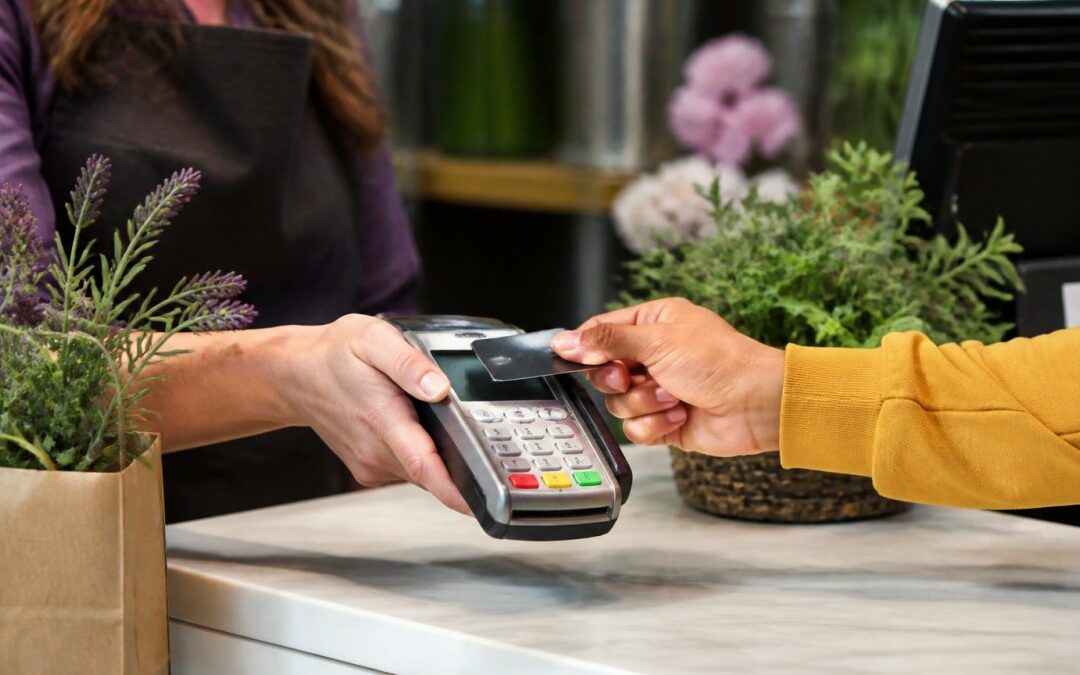
In-person processing happens at your physical location, a retail counter, service desk, or restaurant table. You use a card reader or payment terminal to capture the card information. In-person transactions are generally cheaper to process because the card is physically present, reducing fraud risk.
Equipment varies: traditional countertop terminals connect via phone line or internet; mobile card readers connect to your smartphone or tablet via Bluetooth; integrated POS systems bundle the terminal with inventory and sales software. Local Credit Card Processing provides free equipment, eliminating the upfront cost barrier.
Online processing works differently: customers enter card information on your website or through an invoice link. Since the card isn’t physically present, fraud risk and fees are higher, typically 2.5-3.5% plus per-transaction costs.
The key difference: in-person transactions are “card-present,” online transactions are “card-not-present.” Card-not-present transactions cost more because the risk of fraud and chargebacks is higher. That’s why some processors charge different rates for each channel.
The practical question: do you need both? A retail shop primarily needs in-person; a service business invoicing clients primarily needs online; a restaurant or cafe needs both. Your merchant account should support the channels you actually use without charging for capabilities you don’t need.
Online Payment Processing for Small Business
Online payment processing is no longer optional for most small businesses. Even if you primarily operate in person, customers expect to pay online, for invoices, orders, or advance bookings.
Online payment processing requires three components: a payment gateway, a merchant account (which we’ve covered), and an SSL certificate for your website. The payment gateway is the software layer that securely captures and transmits card information from your website to the processor. Popular gateways include Stripe, Square Online, and PayPal, though your merchant account provider may offer their own integrated gateway.
The workflow is straightforward: a customer enters card details on your checkout page, the gateway encrypts and sends them to your processor, which routes them to the customer’s bank for authorization. If approved, the transaction settles into your merchant account within 1-2 business days.
For small businesses, the challenge is integration. An old POS system, a separate invoicing tool, and an aging website can be messy to connect. A provider like Local Credit Card Processing with easy integration means you’re not juggling multiple vendors and troubleshooting compatibility alone.
One often-overlooked aspect: recurring billing. If you offer subscriptions or membership payments, your online processing needs to support recurring charges. Not all merchant accounts do this seamlessly. Make sure your provider explicitly supports recurring billing if that’s part of your business model.
Small businesses with invoicing needs, subscription models, or online ordering. If you’re only processing in person, you can skip online processing entirely and save on gateway fees.
Payment Processing Equipment for Small Business
The equipment you use to process payments directly affects customer experience and operational efficiency, more than many business owners realize.
Countertop terminals are fixed devices on your counter, typically connected via phone line or broadband. Reliable and secure, they limit where you can process payments, no table or back-room payments. Best for retail shops, service desks, and restaurants with fixed checkout areas.
Mobile card readers connect to your smartphone or tablet via Bluetooth or headphone jack, portable, affordable, and flexible, so you can process payments anywhere in your store.
Integrated POS systems combine the payment terminal with inventory management, sales reporting, and customer data. Powerful but expensive, typically $1,000-3,000 upfront plus monthly software fees, they make sense only if you need sophisticated reporting and inventory control.
Online-only processing requires just a payment gateway and SSL certificate, no physical hardware. This works for service businesses that invoice clients or e-commerce businesses. No equipment cost, but you’re limited to online and phone orders.
Most small businesses overspend on equipment. Local Credit Card Processing provides free equipment, eliminating the upfront cost barrier so you can choose what fits your workflow.
The key question: where do you process payments, and how many locations must you cover? A single-location shop needs one terminal; a mobile business needs portable readers; a multi-location operation needs equipment at each site. Match equipment to your actual workflow, not an imaginary future state.
How to Choose the Right Merchant Account Provider

Choosing a merchant account provider is one of the most important financial decisions you’ll make. The wrong choice can cost thousands in unnecessary fees and hours dealing with poor support.
Start with transparency. A good provider breaks down every fee upfront: transaction rates, monthly minimums, gateway fees, PCI compliance fees, settlement timing, and contract terms.
Next, evaluate support. When a terminal stops working, a transaction fails to settle, or a customer disputes a charge, you need help fast. Ask directly: what’s your support availability? Can I reach a local representative?
Consider integration. Does the provider’s system work with your existing POS, invoicing software, or e-commerce platform? Integration issues create headaches and data silos; seamless integration saves time and reduces errors.
Examine contract terms carefully. How long is the contract? What are the early termination fees? Can you upgrade or downgrade without penalty? Some providers lock you in for 3 years with $500+ cancellation fees; others offer month-to-month flexibility.
Finally, ask for references or case studies from similar businesses. How much are they actually saving? How smooth was onboarding? What problems arose, and how did the provider handle them? A confident provider will share real examples.
Conclusion
Selecting the right merchant account services for small business isn’t just about the lowest processing fees. It’s about choosing a partner who understands your business type, supports you when problems arise, and offers transparent pricing.
Local Credit Card Processing is built specifically for small businesses like yours. We provide free equipment so you’re not paying upfront hardware costs, offer dedicated local tech support when you need it, and maintain transparent pricing so you can compare accurately against other providers. Most importantly, we’re accessible.
Get started today and discover how simplified payment processing can reduce your costs and operational stress. Visit Local Credit Card Processing to explore pricing and request a free consultation with our team.
Frequently Asked Questions
What is a merchant account and do I really need one?
A merchant account is a bank account that allows your business to accept credit and debit card payments. If you want to process card transactions, whether in-person or online, you need a merchant account. Small businesses use merchant accounts to accept customer payments securely, reduce reliance on cash, and access funding faster through electronic settlement. Most payment processors require you to open one as part of their service.
What are typical merchant account fees for small businesses?
Merchant account fees typically include transaction fees (a percentage of each sale plus a flat fee), monthly account fees, and gateway fees for online processing. Pricing varies by provider and payment method. Flat-rate pricing charges the same percentage on all transactions, while interchange-plus pricing charges a base rate plus the card network’s interchange fee. Visit your provider’s pricing page for current rates, or request a quote based on your expected monthly sales volume and payment methods.
Can I accept both in-person and online payments with one merchant account?
Yes. Most merchant service providers offer integrated solutions that handle both in-person payments (using a card reader or point-of-sale terminal) and online payments (through a payment gateway). This single account approach simplifies reconciliation, reduces fees, and makes it easier to manage your payment data in one place. Confirm your provider supports both channels before signing up.
What should I look for when comparing merchant account providers?
Evaluate providers on transparent pricing, equipment costs (free vs. paid), contract terms and cancellation policies, customer support availability, integration with your existing systems, fraud prevention tools, and settlement speed. Ask about reserves or funding holds that delay access to your money. Request a total cost estimate for your business size and sales channel, and verify they comply with PCI security standards to protect customer payment data.
Recent Comments